
Dialer Services
How to Make Your First Business Call with AunTel
A step-by-step guide to account setup, microphone access, your first browser call, and customer follow-up.
August 11, 2026 4 min read
Updated September 8, 2026
1. Finish account setup
Create your account and follow the verification steps. Choose a plan and an available US or Canadian number, then complete payment. Calling requires an active account and number.
Open Billing to check your credit balance. Subscription fees and metered usage are separate; add credit if your available balance is too low for a call.
2. Prepare the dialpad
Open Dialpad and select the business number you want to call from. Allow microphone access when your browser asks, and wait for the calling connection to be ready.
Enter the destination with its country code. For example, a US number begins with +1. Confirm that you have the correct person and check the applicable calling rate.
3. Make the call and follow up
Select the call button. During the conversation, use the available controls to mute, hold, or end the call.
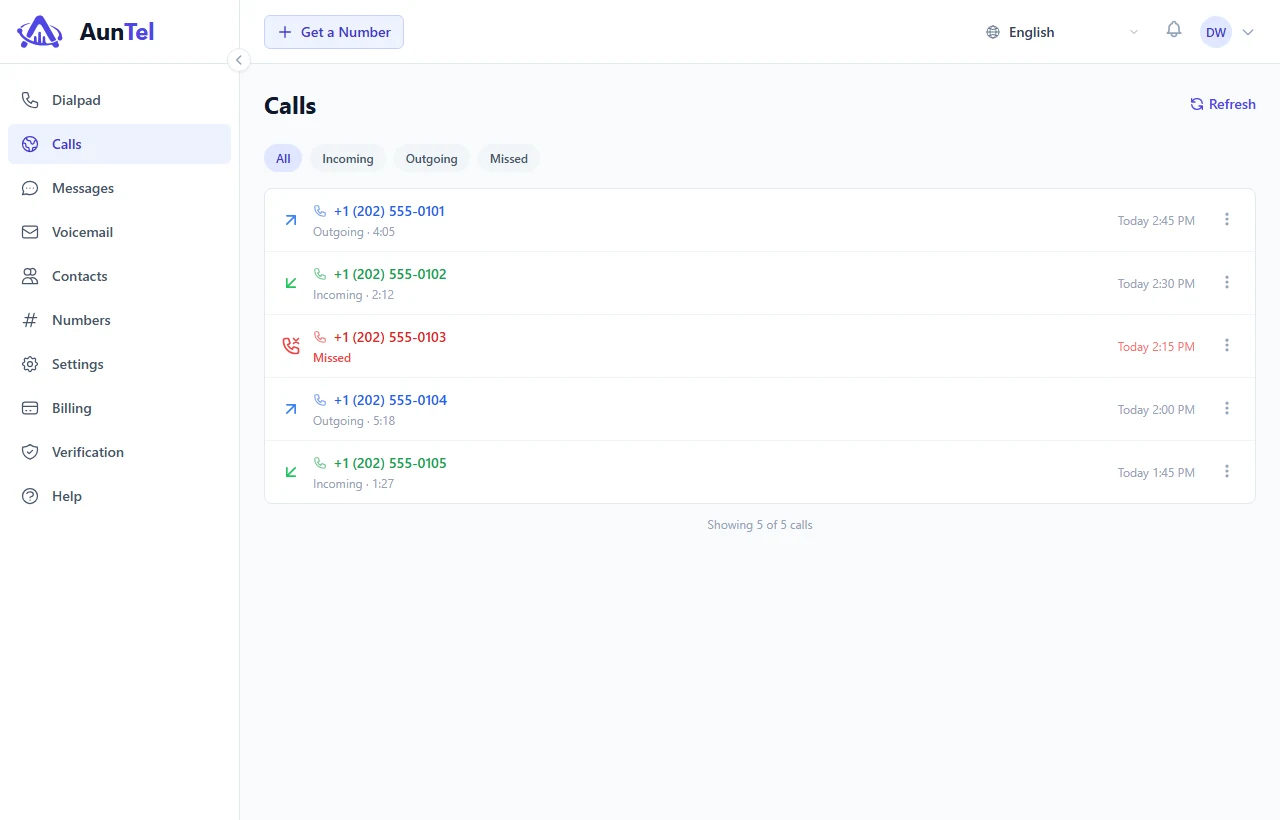
Open Calls afterward to review the direction, time, and duration. Use the call actions to call back, send a message, or save the number to Contacts.
If the call button is unavailable
Check that a number is selected, the destination is entered, and the calling connection is ready. Review microphone permission in your browser settings, then refresh if needed.
If you still cannot call, check your verification status and credit balance. Contact support with the approximate time and the error message; never send passwords or verification codes.
Ready to apply the guide
Explore a clearer workspace for business communication.
See how AunTel brings the number, conversation, and follow-through into the same focused place.